Domain NamesFind and register your ideal domain name instantly.
 Web HostingEasy-to-use hosting powered by cPanel — ideal for managing websites in Nigeria.
 Windows HostingRun .NET apps with Windows-optimized hosting
 Affiliate ProgramMake money promoting our services
 Reseller HostingMake money by reselling our hosting products under your own brand
 .COM Domains
 All DomainsExplore all supported tld domains in Nigeria
 WhoisFind out who owns any domain, as well as verify your registration details
 VPS Hosting in Nigeria
 Dedicated ServersReimagine your site speed with your own complete server
 Website BuilderDesign your site with drag-and-drop tools
 Online Store BuilderStart your online shop without code
 SSLs
SSLs Support PortalFind answers or get expert help
 Contact UsReach our team via chat or email
 BlogRead our extensive guides on web hosting and more
When was the last time you thought about your email server backup? If you’re like most business owners, the answer is probably never or at least, not until something has already gone wrong.
That’s why having a solid email server backup is a business necessity. In 2026, with more communication happening online and risks like cyberattacks on the rise, protecting your email isn’t something you can put off.
In this guide, I’ll explain what a true backup entails, why it’s non-negotiable now, and how to set up an email server backup strategy that works. Let’s build yours.
What Is Email Server Backup?
Let’s say your email server is a massive, digital post office.
It delivers mail and stores every single email you’ve ever sent or received, along with the addresses of your contacts (your address book), and the system’s own rules for sorting mail (server settings).
An email server backup is a complete copy of all that information. It’s not just saving your emails on your laptop’s Outlook or Apple Mail. That only saves a portion to your device.
A true server backup captures everything from the server itself: every user’s mailbox, their folders, sent items, attachments, and the server’s configuration.
Why is it critical? Because if something goes wrong with the server, a hardware fails, a software bug corrupts data, someone accidentally deletes a critical account, or a malicious attack encrypts your data, you can’t just rely on the copies on your employees’ computers.
You need the master copy from the server to restore everything to normal. It’s the difference between rebuilding a house from a single brick versus having the complete architectural blueprint and all the materials ready to go.
Why Email Server Backup is Non-Negotiable in 2026
You might think, “My email host probably handles this.” Some do, but sometimes their backups are for their own disaster recovery, not for your convenience.

They might not let you restore a single email from three months ago that you just realized you need. Here’s why taking control of your backup is critical:
Human Error: Accidental deletion happens. An employee leaves, and their account is deleted along with years of client correspondence. A well-intentioned cleanup wipes an entire folder. Your own backup lets you reverse these mistakes instantly.
Cyber Threats Are Smarter: Ransomware attacks in 2026 don’t just lock your files; they target your communication. If they encrypt your email database, you could be held hostage. A recent, clean backup is your only way out without paying a ransom.
Compliance and Legal Safety: In many industries, you’re legally required to keep records of communication. If you face an audit or a lawsuit, being able to produce specific emails from a specific time period is not just helpful; it’s mandatory.
Business Continuity: Email downtime means lost sales, stalled projects, and frustrated clients. The faster you can restore service from a backup, the less money and reputation you lose.
Migration and Upgrades: If you ever need to switch to a new email hosting provider or upgrade your server, having a complete, portable backup makes the process smooth and risk-free.
Your Best Email Backup Strategy for 2026
A good strategy is a combination of practices. Here’s how to think about it:
1) The 3-2-1 Rule
This is a golden backup standard, and it entails:
- Keep 3 copies of your data: the original on your live server, and two backups.
- Use 2 different media, e.g., one copy on a fast local disk for quick recovery and another in a secure cloud storage service.
- Have at least 1 copy stored off-site, such as in the cloud, so a physical event like a fire or flood doesn’t destroy both your server and your backup.
2) Automated, Incremental Backups
You’re too busy to manually back up every day. Set up automated backups. Even better, use incremental backups.
After a full backup is completed once, the system only saves changes made each day. This saves significant storage space and time.
3) Test Your Restores Regularly
A backup you haven’t tested is just a hope. Quarterly or biannually, pick a random email or folder and practice restoring it to a test location.
This confirms your backup is actually working and that you or your team know how to use it in a panic.
4) Clear Retention Policies
How long do you keep backups? This depends on your needs. You might keep:
Daily backups for a month.
Weekly backups for 3 months.
Monthly backups for 1-3 years (for legal/compliance).
Define this policy clearly so storage costs are managed, and you know what you can recover from any point in time.
5) Granular Recovery Options
You need to be able to restore at different levels: the entire server for a major disaster, a single user’s mailbox if someone leaves, or even a single email for a common oops-moment.
Your backup solution should allow for this flexibility.
How Often Should You Back Up Your Email Server?
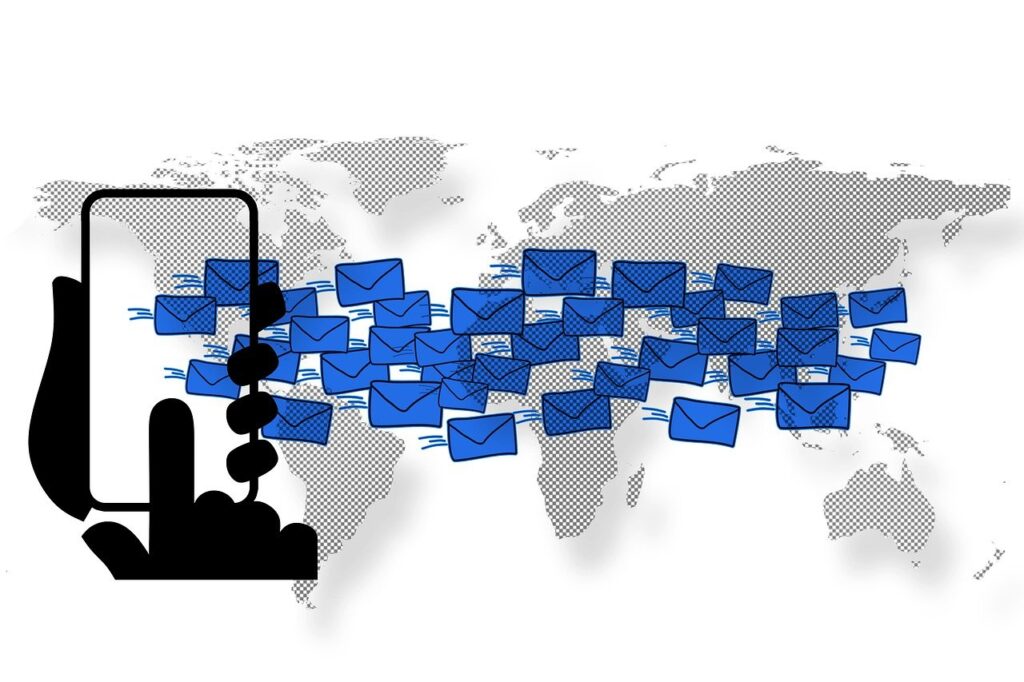
There’s no one-size-fits-all answer, but here’s a practical way to decide:
For most small to medium businesses, Daily backups are the absolute minimum. If your team uses email actively for orders, contracts, and client conversations, losing even a single day’s worth of emails can be costly and require significant manual work to reconstruct.
For high-transaction or critical communication businesses: Consider multiple backups per day, like every 4-6 hours, to minimize data loss exposure.
If you back up at 6 PM and a server fails at 4:45 PM the next day, you’ve only lost emails from that 22-hour window, not multiple days.
Your backup frequency should match how much email data you can afford to re-create manually. If the answer is none, then back up as often as your technology allows.
Email Server Backup Tips No One Tells You
Backup the Configuration Too: It’s not just emails. Backup your DNS settings, spam filter rules, auto-responder settings, and user account list. Restoring data to a blank server is only half the battle; you need it to function the same way.
Encrypt Your Backups: Your backup files are a treasure trove of sensitive information. Whether they’re stored on a local drive or in the cloud, make sure they are encrypted. This means even if someone gets the backup file, they can’t read it without the encryption key.
Document the Process: Create a simple, step-by-step Disaster Recovery document. In a crisis, people panic. Having clear instructions on where backups are, how to access them, and the steps to restore can save hours of confusion.
Monitor Your Backups: Don’t just set and forget. Use tools or check weekly to get a notification if a backup job fails. A false sense of security is worse than knowing you’re unprotected.
Plan for the In-Between State: What happens while you’re restoring from a backup? Do you have a temporary email solution or a status page to inform clients? Have a communication plan.
A Simpler Solution For Email Backups
Handling all this in-house takes significant time and skill. For many, a simpler path is to use an email provider that includes backups as part of the service.
With our Workplace Email Hosting, backups are built in. The system runs automatically, and you can restore specific emails or entire mailboxes from your control panel. This includes antivirus and anti-spam for a secure environment.
All our plans include these features. Here are the annual options in Nigerian Naira (NGN):
- Starter: NGN 8,400/year – 1 mailbox, 3GB storage.
- Pro: NGN 22,050/year – 3 mailboxes, 5GB each, plus 15GB shared storage.
- Business: NGN 38,850/year – 5 mailboxes, 10GB each, plus 50GB shared storage.
- Premium: NGN 75,000/year – 10 mailboxes, 100GB total storage.
- Enterprise: NGN 150,000/year – 20 mailboxes, 200GB storage.
Final Take
Your email is as important as your bank statements or customer records. It holds the conversations that keep your operations running and your relationships strong.
Now, the most important step: taking action. You have a clear strategy: the 3-2-1 rule, automated backups, and regular testing. You know the risks of doing nothing.
For many businesses, the simplest, most reliable action is to choose a secure foundation from the start.
At Truehost, we’ve built our Workplace Email Hosting around this principle. All the backup, security, and recovery measures we’ve discussed are already integrated and managed for you.
So, get a plan that suits you, and let Truehost handle the rest.